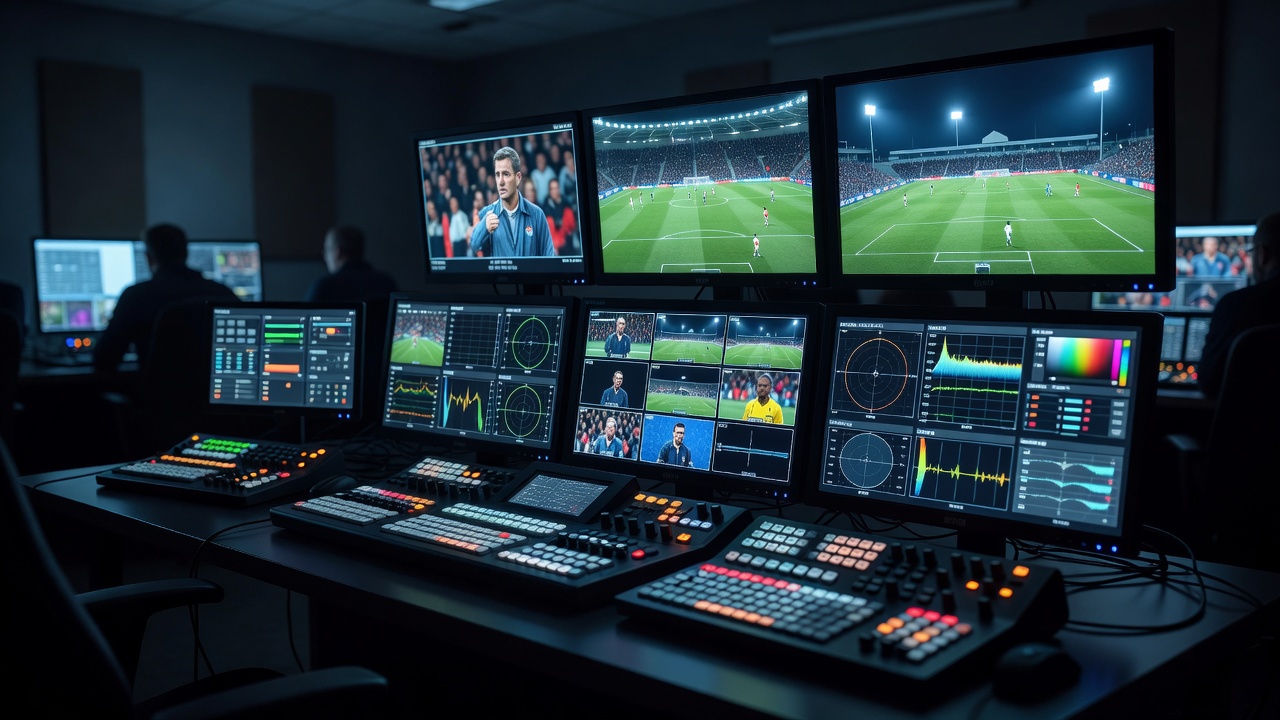
Production system / live desk
From Feeds to Air
The audience sees one programme picture at a time. The live desk coordinates the camera feeds, routing, operator cues, replay outputs, and technical checks that make each selection possible.
Trace the coverage01 / Build the picture path
What the live desk does
A live sports production desk receives camera and playback sources, lets the team monitor them, and selects the sequence that becomes the programme output. The exact arrangement varies: a small event may use a compact switcher and a few sources, while a larger show may have separate operational positions for directing, technical control, replay, audio, graphics, and engineering. The principle is the same: every source must be understood, available, and connected to the right destination.
Begin with the intended programme. List the cameras and other sources, describe what each one contributes, and decide who is responsible for selecting or controlling it. A tracking camera might hold a moving subject; an overhead view may explain formation; a replay output may inspect a recorded moment. Those roles are easier to manage when the crew shares a camera plan, labels, call language, and expectations for when each source is ready.
Map sources, routing, and monitoring
A signal-flow drawing should show where each camera feed enters, any processing or conversion it passes through, the switcher inputs, replay connections, monitoring destinations, and programme output. Include return video where operators need to see the programme or another reference. Record the actual cable or transport route and the ownership of patching, configuration, and troubleshooting. A drawing is most useful when it matches the installation rather than an idealized diagram.
Check that input formats and connectors are compatible at every connection. Identify any conversion, frame synchronisation, or camera control required by the production design. Do not presume that a feed will behave correctly because a connector fits. Test image, embedded or separate audio where relevant, reference, tally, intercom, and any remote-control connection separately. Label both ends of a cable and make source names consistent across the switcher, multiview, camera plan, and replay environment.
A multiview monitor gives the crew a compact view of multiple inputs. Its layout should support quick recognition: put the principal sources where the director expects them and make labels readable at the working distance. Monitoring is not only for the director. The technical director needs to identify signal faults, and replay operators need to check that the correct camera is available. Agree who watches each condition and how a problem is called.
Make camera coordination clear
Intercom supports coordination between the director, camera operators, replay, and technical staff. Keep calls concise and use agreed terms for ready, standby, take, hold, and return to live. Camera operators need enough context to prepare a shot before it is selected, while the director needs timely information if a source is blocked or unavailable. If several communication channels are used, explain who listens to which one and where urgent operational calls belong.
Tally indicates that a camera is selected or on preview in systems that use it. The implementation varies, so test the tally path with the camera and control system actually in use. Operators should understand what the indication means and what it does not mean. A tally light cannot confirm focus, framing, signal integrity, or the intended editorial cue by itself.
Each camera role should have a useful handoff. A tracking operator might advise that the subject has left the planned zone; an overhead operator may report that movement is temporarily restricted; the replay operator may report that a clip is ready. The director decides what goes to air, but that decision relies on information from the crew. Rehearse the language and the expected response rather than relying on assumptions.
Keep replay inside the live sequence
Replay is another source at the desk, but its timing differs from a live camera. The replay operator finds and prepares a moment while play continues. The director chooses whether and when to take the output, and the switcher operator must know how the programme returns to the live source. This sequence needs a clear cue and a suitable fallback if the clip is not ready.
Agree how replay audio is handled, which output is routed to the switcher, and whether the programme needs a transition or graphic. A rehearsal should test the entire chain from camera input and record through playback to programme output. Check source labels and confirm the replay image actually reaches the intended multiview and programme path. When live action resumes, ensure a camera is ready to cover it.
Design a practical operating plan
Production choices are constrained by venue access, power, cabling, space, lighting, weather, permitted frequencies, and event schedules. Build a site survey into the planning process. Identify where cameras and control positions can be placed, how cables can be routed and protected, which venue services are available, and what permissions or safety reviews are needed. A technically plausible diagram is not sufficient if the crew cannot install or operate it safely at the venue.
Plan for change. A camera may lose signal, an input may need to be rerouted, or a replay source may become unavailable. Establish a response path, identify who can authorize a change, and confirm which alternative source can maintain programme coverage. Keep spare resources and contingency arrangements appropriate to the production design, without assuming one backup solves every failure.
Finally, rehearse with the complete crew. Test every source, the path to air, returns, intercom, tally where used, replay, and the transitions between sources. Use a run-of-show that describes the desired pictures, not just equipment assignments. When the technical team understands both the signal path and the editorial purpose, the live desk can turn individual cameras into a coherent account of play. Continue with the replay workflow or prepare a production note.
Signal path
From camera input to programme output
Operational constraints
What belongs in a signal-flow diagram?
Show each source, destination, intermediate device, format or conversion where relevant, monitoring and return paths, communication links, and responsibility for patching and testing.
Why test more than the picture?
Audio, reference, tally, intercom, camera control, and return video can follow different paths. A visible picture alone does not confirm that an operational camera source is ready for the intended workflow.
How should a team prepare for a missing feed?
Agree who diagnoses and reroutes the source, communicate its status, and identify an editorially useful alternative. Rehearse the return to a reliable live camera when a planned source is unavailable.